
-
×
 Buy Sell Super Arrow MT5 Indicator
1 × $249.00
Buy Sell Super Arrow MT5 Indicator
1 × $249.00
-90%
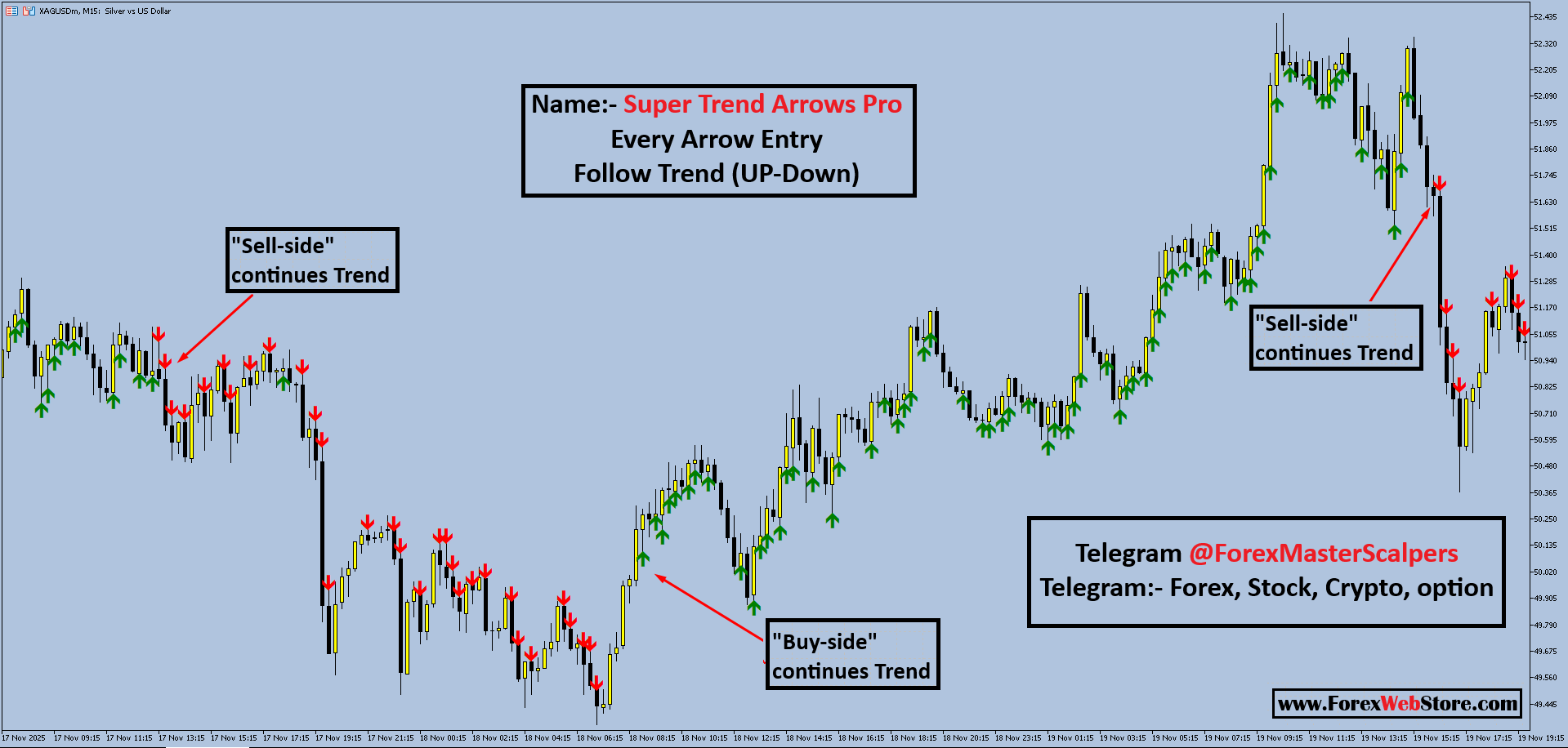
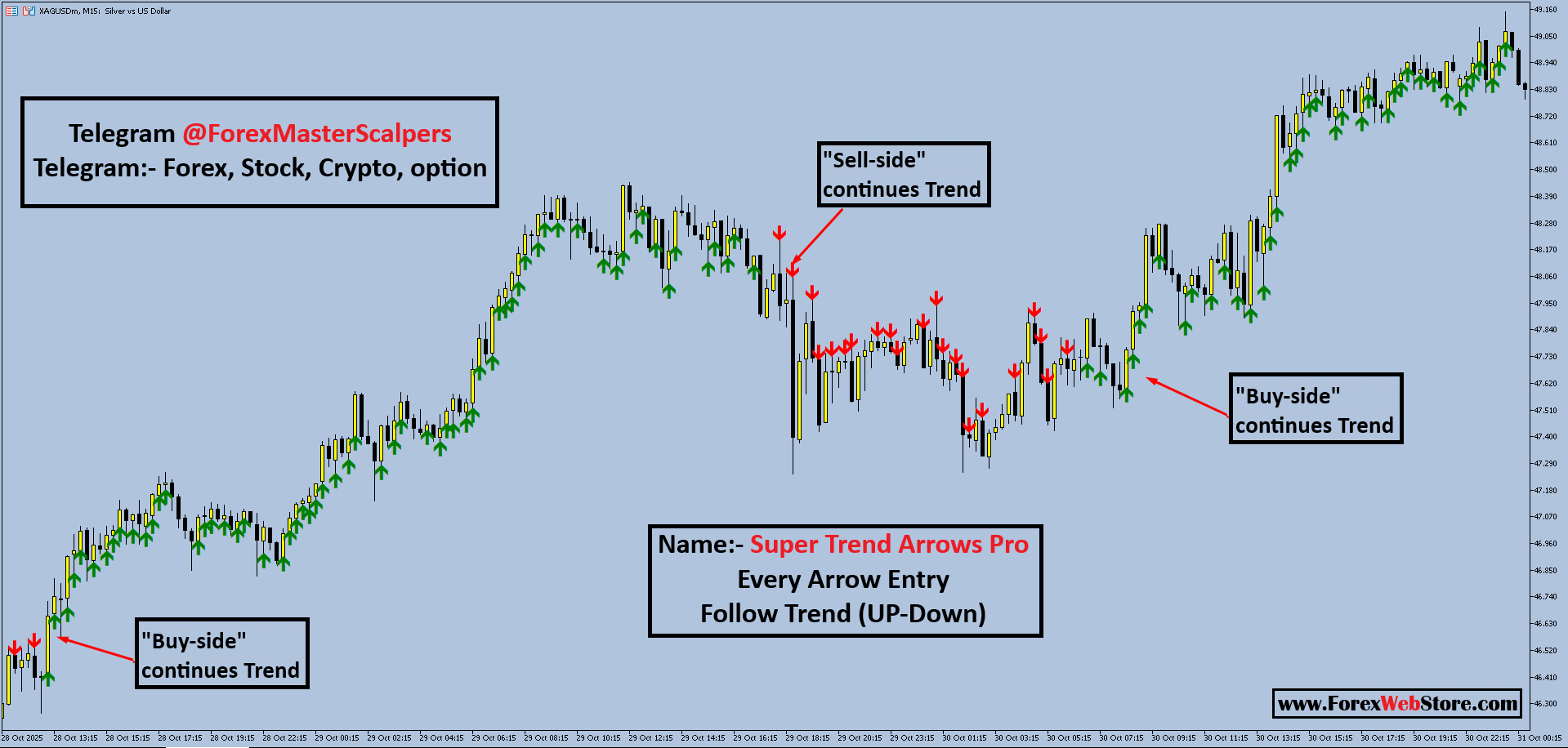
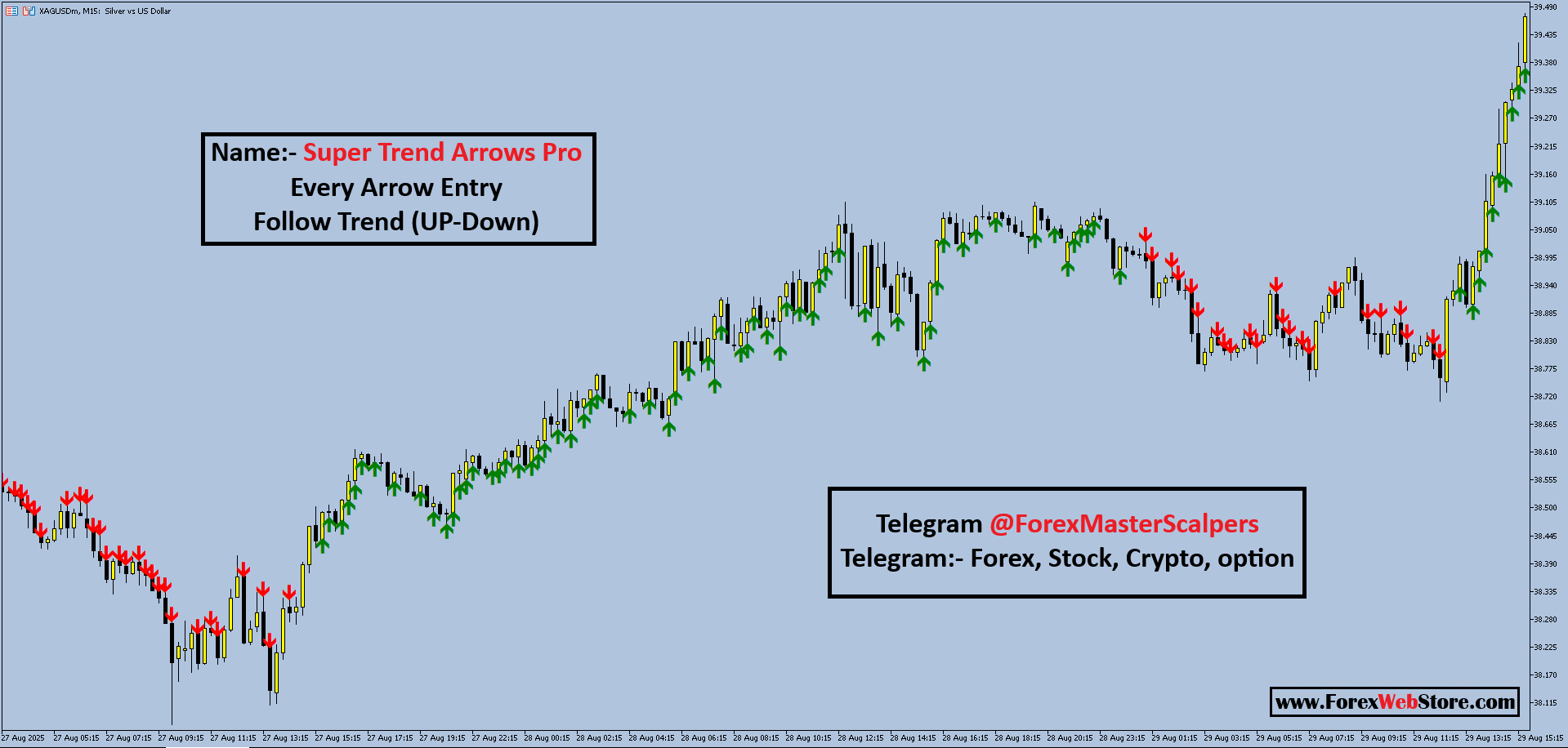
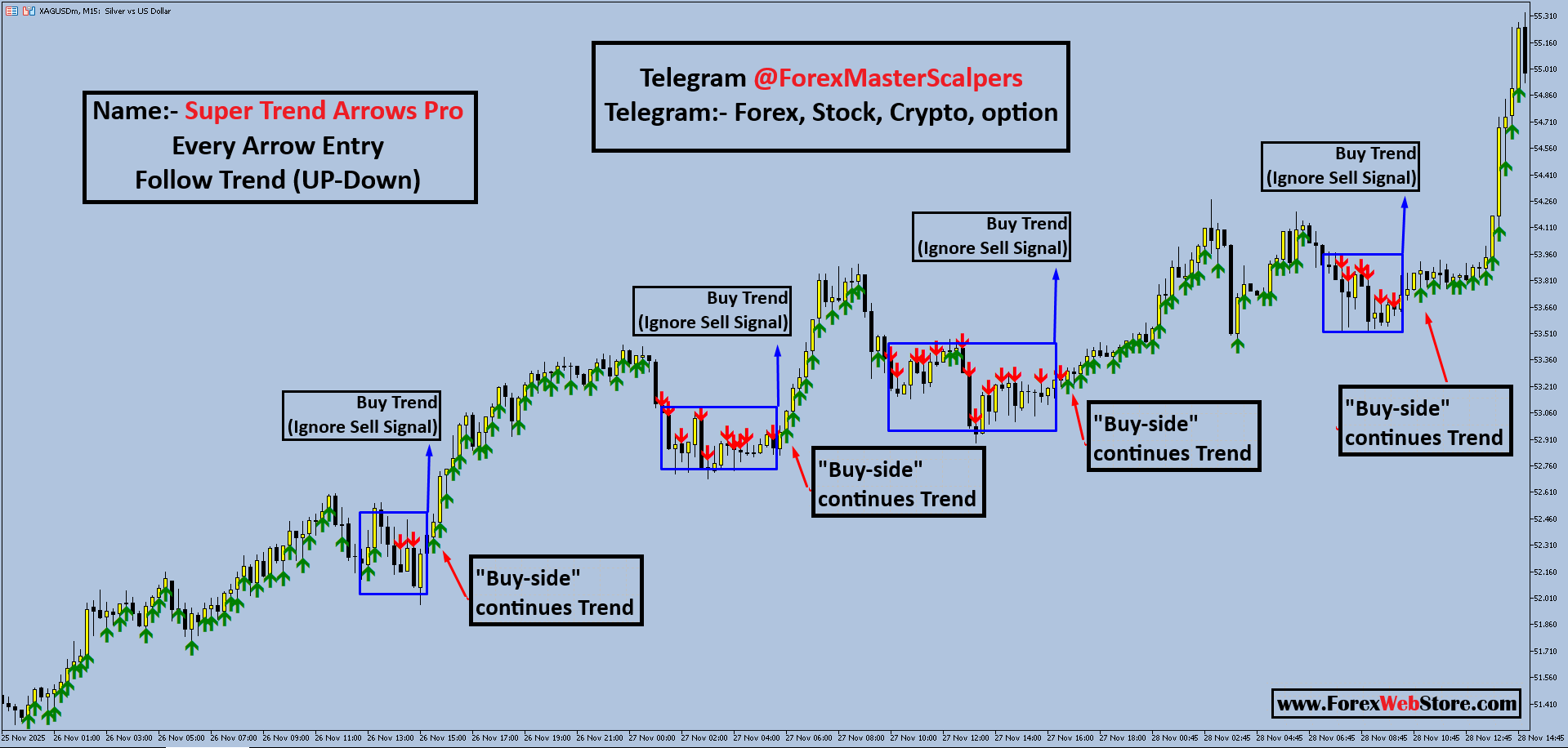
Super Trend Arrows Pro MT5
Original price was: $1,999.00.$199.00Current price is: $199.00.
- Original Indicator
- 100% Non-Repaint
- Trading time: Every time
- Instant Download in Zip file
- Timeframe: M1 and H4
- Never repaint any trading signal, 100% guaranteed
- Use on unlimited MT5 accounts
- Type of strategy: M5 Scalping Indicator
- Built for Metatrader 5 (MT5 for PC and Laptop, MT5 for MAC)
- Works on Forex (all pairs), Commodities, Stocks, Metals, Gold…
- Recommended Broker
- Pay Once and Use for Lifetime
- Customer Support & Free Upgrades For Life Time
- Source Code Available Contcat Email
Super Trend Arrows Pro
1. Entry Strategy
-
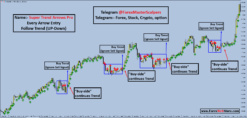
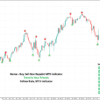
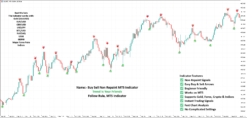
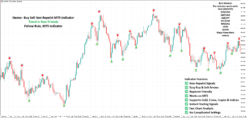
Buy Signal: Enter a trade when a Green Arrow appears at a market low. These signals indicate upward momentum or a swing reversal.
-
Sell Signal: Enter a trade when a Red Arrow appears at a market high. These indicate downward momentum or a swing top.
-
Trend Following: For the “Super Trend” version, follow every arrow in the direction of the overall trend (Up or Down) for maximum accuracy.
To help you master these indicators for your trading business, here is a deeper dive into the mechanics, money management, and setup for the Buy Sell Swing Signals Pro and Super Trend Arrows Pro.
Advanced Entry Mechanics
The indicators use two different styles of market analysis to generate signals:
-
Swing Reversals (Buy Sell Swing Signals Pro): This indicator targets the “tops” and “bottoms” of a price move. It is designed to catch the market when it is overextended (overbought/oversold).
-
Trend Following (Super Trend Arrows Pro): This version focuses on “momentum”. Instead of looking for a reversal, it tells you to follow the current strength of the market (Up or Down).
-
The Confirmation Rule: For the best results, wait for the candle to close. If the arrow is still there once the next candle starts, the signal is confirmed.
2. Take Profit (TP) & Stop Loss (SL)
-
Take Profit (TP): The recommended target for each signal is 20–50 pips.
-
Stop Loss (SL): Although not explicitly labeled on the chart, standard practice is to place your SL just below the recent swing low for Buys, or just above the recent swing high for Sells.
Dynamic TP and SL Strategy
While the fixed target is 20–50 pips, you can optimize your results by using the price structure:
-
Take Profit (TP):
-
Scalping: Close at 20 pips to secure quick profit.
-
Swing: Hold for 50 pips if the trend is strong.
-
-
Stop Loss (SL):
-
For Buy: Place the SL roughly 5–10 pips below the lowest point (wick) of the candle where the green arrow appeared.
-
For Sell: Place the SL roughly 5–10 pips above the highest point (wick) of the candle where the red arrow appeared.
-
3. Risk Management & Lot Size
-
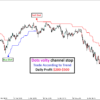
Daily Goal: The indicator is designed to help traders reach a daily profit of $100 – $300.
-
Risk Management: To reach these goals safely, never risk more than 1-2% of your account per trade.
-
Lot Size Recommendation:
-
Small Accounts ($100-$500): Use 0.01 to 0.05 lots.
-
Standard Accounts ($1,000+): Use 0.10 to 0.30 lots to hit the $100+ daily target while maintaining safety.
-
Professional Risk & Lot Sizing
To reach the daily target of $100 – $300 without blowing your account, you must match your lot size to your balance:
| Account Balance | Risk per Trade (2%) | Lot Size (Gold/XAUUSD) | Potential Profit (50 Pips) |
| $500 | $10 | 0.02 | $10 |
| $2,000 | $40 | 0.10 | $50 |
| $5,000 | $100 | 0.25 | $125 |
Pro Tip: To hit $300 daily on a $5,000 account, you only need 3 successful trades using a 0.20 – 0.25 lot size.
Installation & Requirements
As noted in your description, this is a digital MT4 system:
-
Platform: MetaTrader 4 (MT4) for Desktop is required.
-
File Format: You will receive a ZIP archive containing the
.ex4or.mq4files. -
No Expiry: Once installed, the indicator is yours forever with no monthly fees or recurring charges.
4. Best Use Cases
-
Assets: Optimized specifically for Metals (Gold/Silver) and Crypto.
-
Timeframes: The examples show high performance on the M5 (5-minute) and M15 (15-minute) charts, making it ideal for scalping.
-
Platform: These are digital items designed for use on the MT4 terminal.
Optimized Asset Performance
-
Metals: The indicator is specially tuned for the fast volatility of Gold (XAUUSD) and Silver (XAGUSD).
-
Crypto: High-momentum assets like Bitcoin (BTCUSD) work well with the Super Trend version.
-
Timeframe: Use the M5 (5-minute) chart for fast scalping and the M15 (15-minute) for more stable trend following.
Be the first to review “Super Trend Arrows Pro MT5”
Related products
-79%
MT5 Indicator
Original price was: $1,199.00.$249.00Current price is: $249.00.
-87%
MT5 Indicator
Original price was: $1,179.00.$158.00Current price is: $158.00.
-87%
MT5 Indicator
Original price was: $1,500.00.$199.00Current price is: $199.00.
-75%
Reviews
There are no reviews yet.