
 Smart Market Structure Concepts V10 Forex Indicator MT4 |100% Non Repaint Indicator V10.0
 -93%
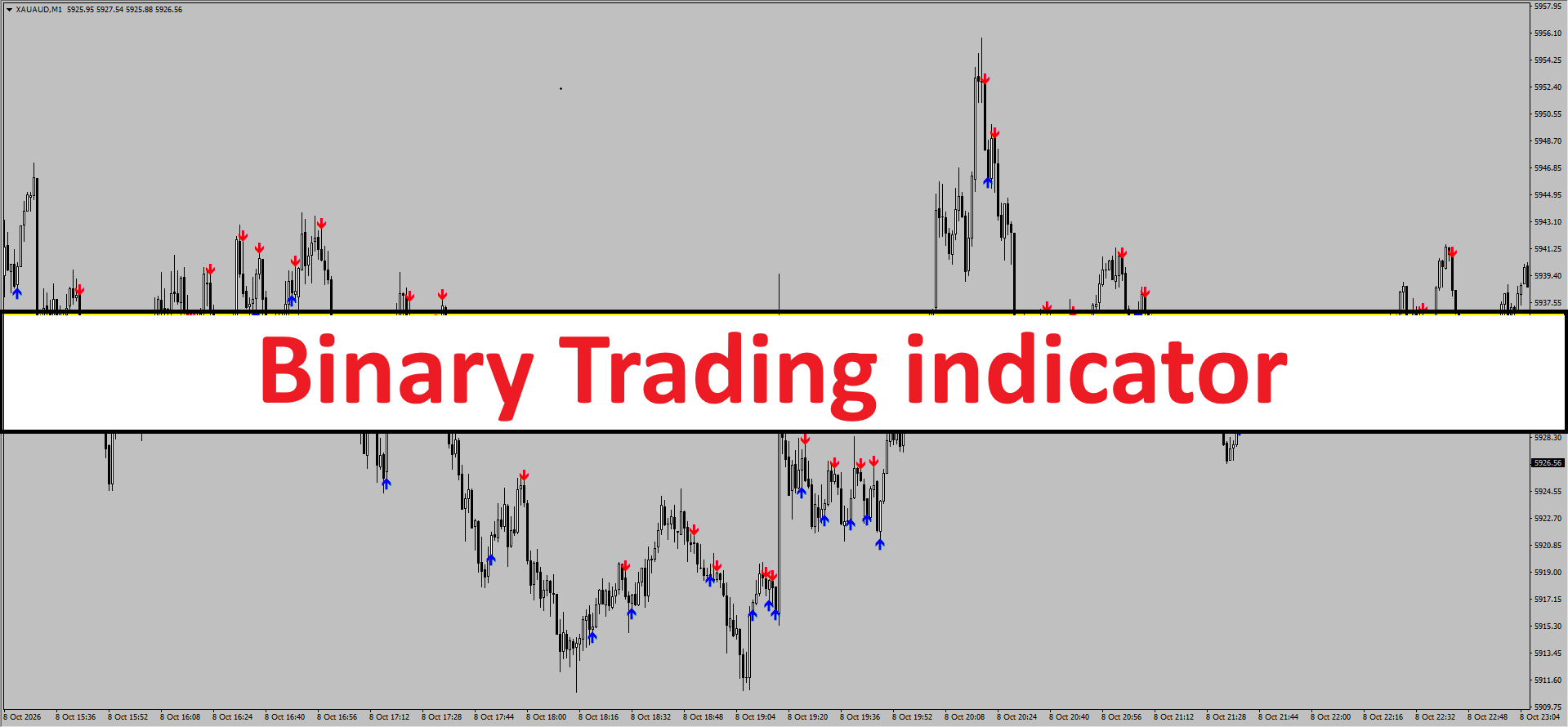
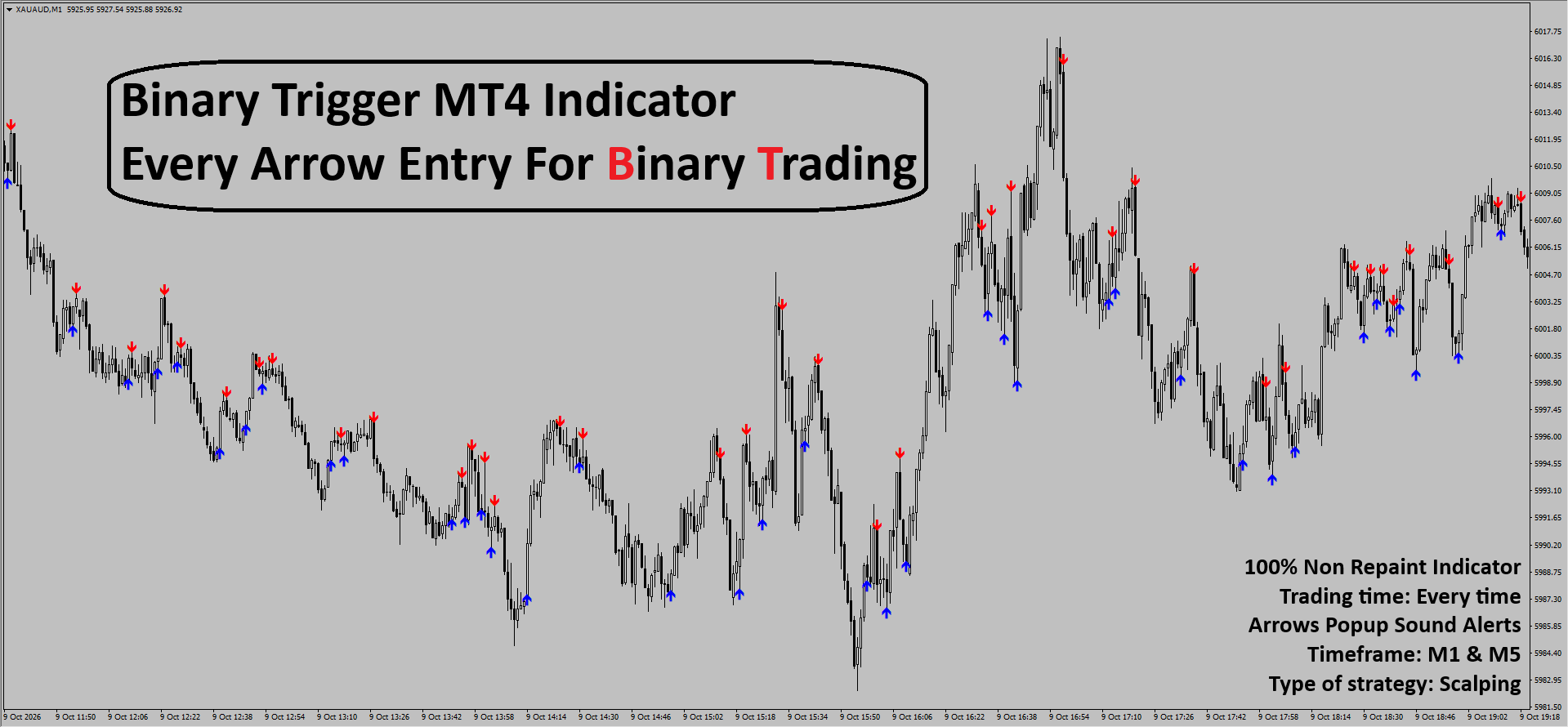
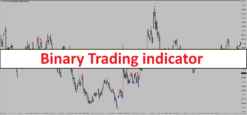
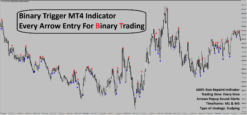
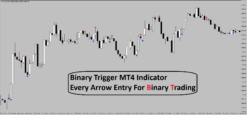
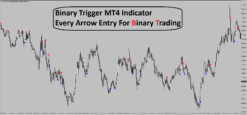
Binary Trigger MT4 Indicator
Original price was: $1,999.00.$143.00Current price is: $143.00.
- Original Indicator
- Trading time: Every time
- Instant Download in Zip file
- Arrows Popup Sound Alerts
- Timeframe: M1, M5 and above
- Asset: Major currency pair
- Use on unlimited MT4 accounts
- Type of strategy: Scalping
- Built for Metatrader 4 (MT4 for PC and Laptop, MT4 for MAC)
- Works on :-Binary Trading
- Customer Support & Free Upgrades For Life Time
Binary Trigger MT4 Indicator
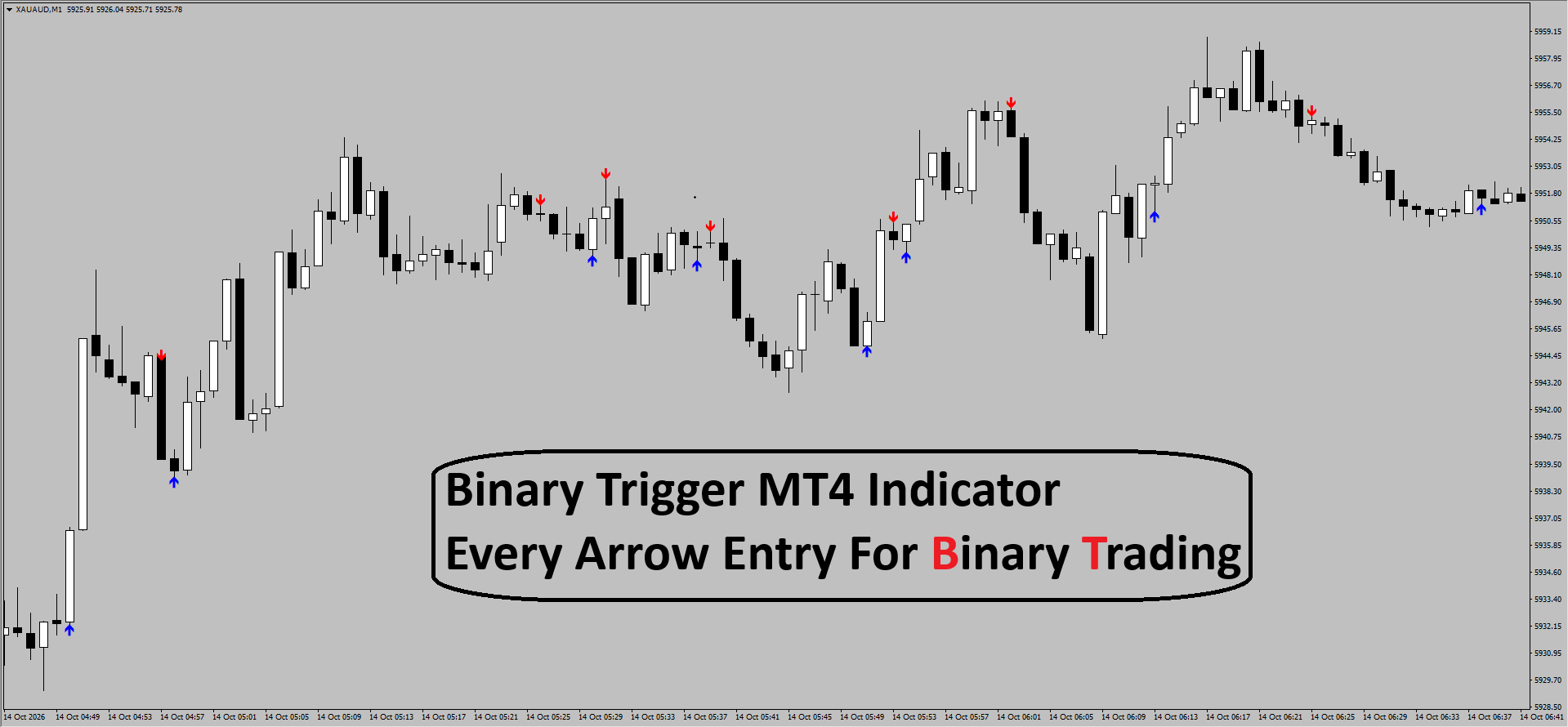
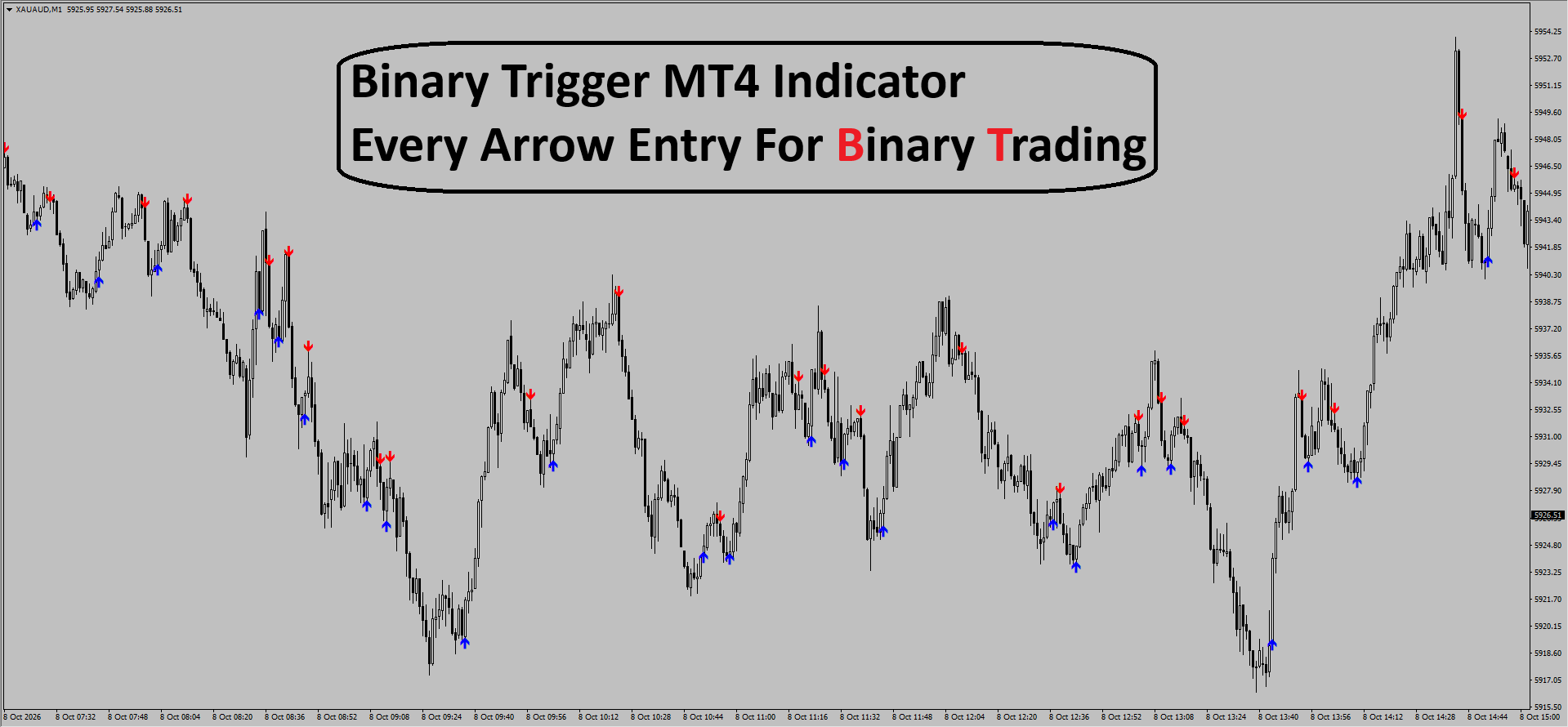
The Binary Trigger MT4 Indicator is a technical analysis tool specifically engineered for high-frequency trading and binary options. Designed for the MetaTrader 4 platform, its primary function is to identify short-term price reversals by detecting market exhaustion at swing highs and swing lows. It simplifies the trading process by providing clear visual cues—red and blue arrows—which pinpoint high-probability entry moments for scalpers and binary options traders.
How to Use: Entry and Exit Signals
The Binary Trigger is designed for simplicity, making it accessible for both novice and veteran traders. Signals are generated based on the closing price of the current candle to ensure the “non-repaint” integrity.1. Buy (Call) Signal
- Trigger: Wait for a Blue Arrow to appear pointing upward beneath a candle.
- Entry: Open a “Buy” position (or “Call” option) at the opening of the very next candle after the arrow appears.
- Binary Expiry: Typically 1 to 5 candles depending on the timeframe (e.g., 5-minute expiry on an M1 chart).
- Forex Exit: Set the Take Profit at the nearest resistance level or exit when an opposing Red Arrow appears.
2. Sell (Put) Signal
- Trigger: Wait for a Red Arrow to appear pointing downward above a candle.
- Entry: Open a “Sell” position (or “Put” option) at the opening of the very next candle after the arrow appears.
- Binary Expiry: Typically 1 to 5 candles depending on the timeframe.
- Forex Exit: Set the Take Profit at the nearest support level or exit when an opposing Blue Arrow appears.
Step-by-Step Setup Instructions
- Download the Indicator: Ensure you have the
.ex4or.mq4file for the Binary Trigger MT4 Indicator. - Open MT4 Data Folder: In your MetaTrader 4 terminal, go to
File > Open Data Folder. - Install the File: Navigate to
MQL4 > Indicators. Copy and paste the indicator file into this folder. - Refresh Indicators: Return to MT4, right-click on “Indicators” in the Navigator window, and select “Refresh.”
- Apply to Chart: Drag and drop the “Binary Trigger” onto your desired pair (e.g., XAUAUD as seen in the screenshot).
- Configure Settings: In the “Inputs” tab, ensure “Allow DLL imports” is checked. You can also toggle the “Popup Sound Alerts” to “True” to receive real-time notifications.
- Select Timeframe: Switch your chart to the M1 (1 Minute) or M5 (5 Minute) timeframe for optimal performance.
The Logic Behind the Signals
The Binary Trigger utilizes a proprietary algorithm that blends Mean Reversion with Volatility Analysis.- Trend Exhaustion: The indicator analyzes the momentum of consecutive candles. When price action moves too far from its moving average or hits a calculated volatility band, the logic assumes a temporary exhaustion.
- Non-Repaint Mechanism: Unlike standard ZigZag indicators, the Binary Trigger is coded to “lock” its signal once the candle closes. This prevents the indicator from moving the arrow to a different candle if the price continues to trend, providing a more honest historical performance view.
- Support & Resistance Interaction: The signals often trigger near micro-levels of support and resistance, capitalizing on the “bounce” effect common in lower timeframe scalping.
3 Pro-Tips for Better Accuracy
- Trade with the Major Trend: To increase your win rate, only take signals that align with a higher timeframe trend. For example, if the M15 chart is in a strong uptrend, focus exclusively on the Blue Arrows on your M1 chart.
- Avoid “Flat” Markets: During periods of extremely low volatility (such as the end of the New York session), the market may move sideways in a very tight range. Avoid trading signals during these “choppy” periods as they are prone to false breakouts.
- Combine with RSI: Use a standard Relative Strength Index (RSI) as a filter. Only take a Red Arrow signal if the RSI is above 70 (overbought) and only take a Blue Arrow if the RSI is below 30 (oversold). This adds an extra layer of confirmation to the reversal.
Be the first to review “Binary Trigger MT4 Indicator”
Related products
-71%


MT4 Indicator
Original price was: $849.00.$248.00Current price is: $248.00.
-67%


Original price was: $955.00.$312.00Current price is: $312.00.
-70%


Original price was: $999.00.$299.00Current price is: $299.00.
-70%


Original price was: $999.00.$299.00Current price is: $299.00.
-68%


Original price was: $799.00.$259.00Current price is: $259.00.
-71%


Original price was: $855.00.$249.00Current price is: $249.00.
-70%


Original price was: $999.00.$299.00Current price is: $299.00.
-72%


Original price was: $966.00.$274.00Current price is: $274.00.
Reviews
There are no reviews yet.