
 Multi Plate Forex Indicator MT4 | 100% Non Repaint Indicator V9.0
 -97%
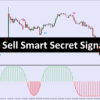
Buy Sell Smart Secret Signals
Original price was: $3,999.00.$109.00Current price is: $109.00.
- Original Indicator
- 100% Non-Repaint
- Trading time: Every time
- Instant Download in Zip file
- Arrows Popup Sound Alerts
- Timeframe: M1, M5,M15, M30, H1,H4,D1
- Never repaint any trading signal, 100% guaranteed
- Use on unlimited MT4 accounts
- Type of strategy: Scalping and Long term
- Built for Metatrader 4 (MT4 for PC and Laptop, MT4 for MAC)
- Works on Forex (all pairs), Commodities, Stocks, Metals, Gold…
100% Non-Repaint Intraday Trend System for MT4
1. Indicator Overview
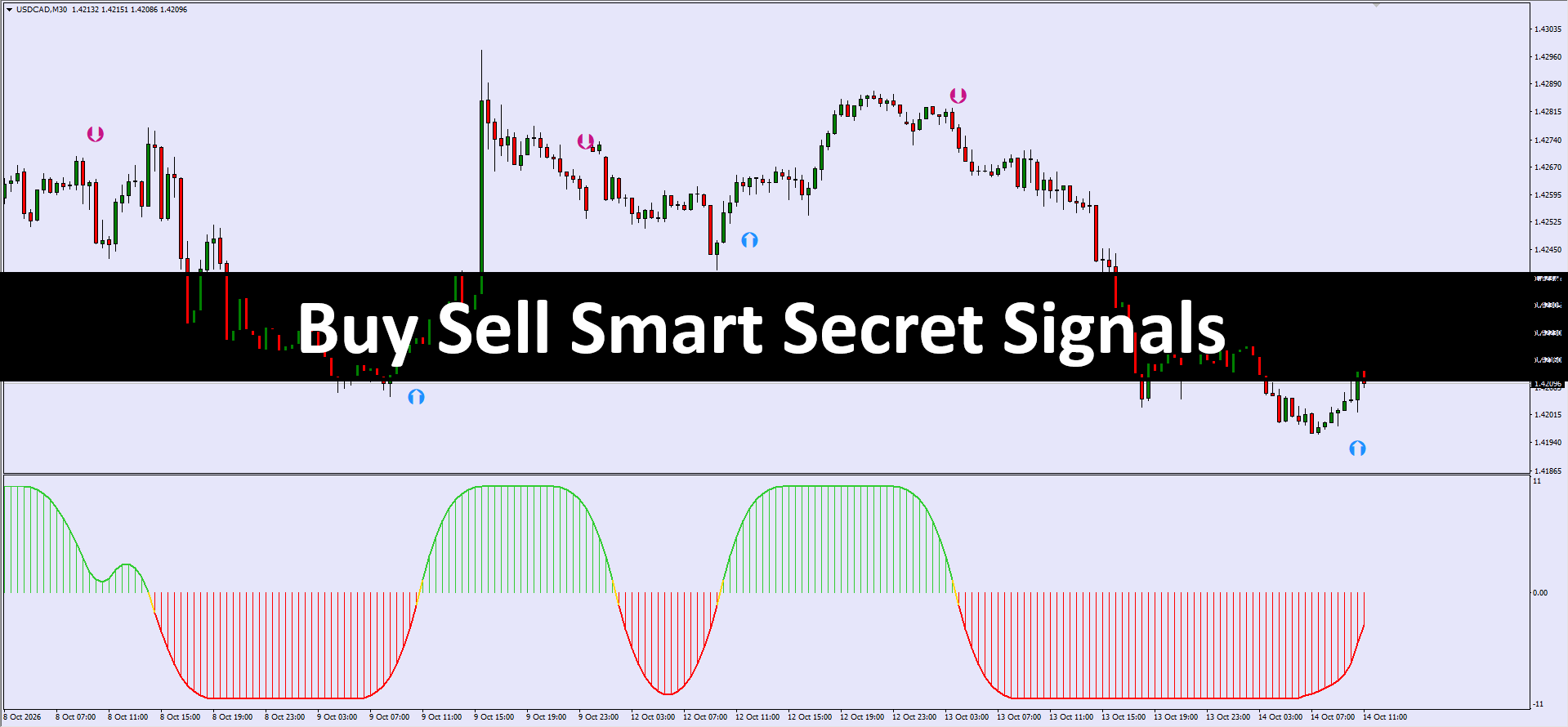
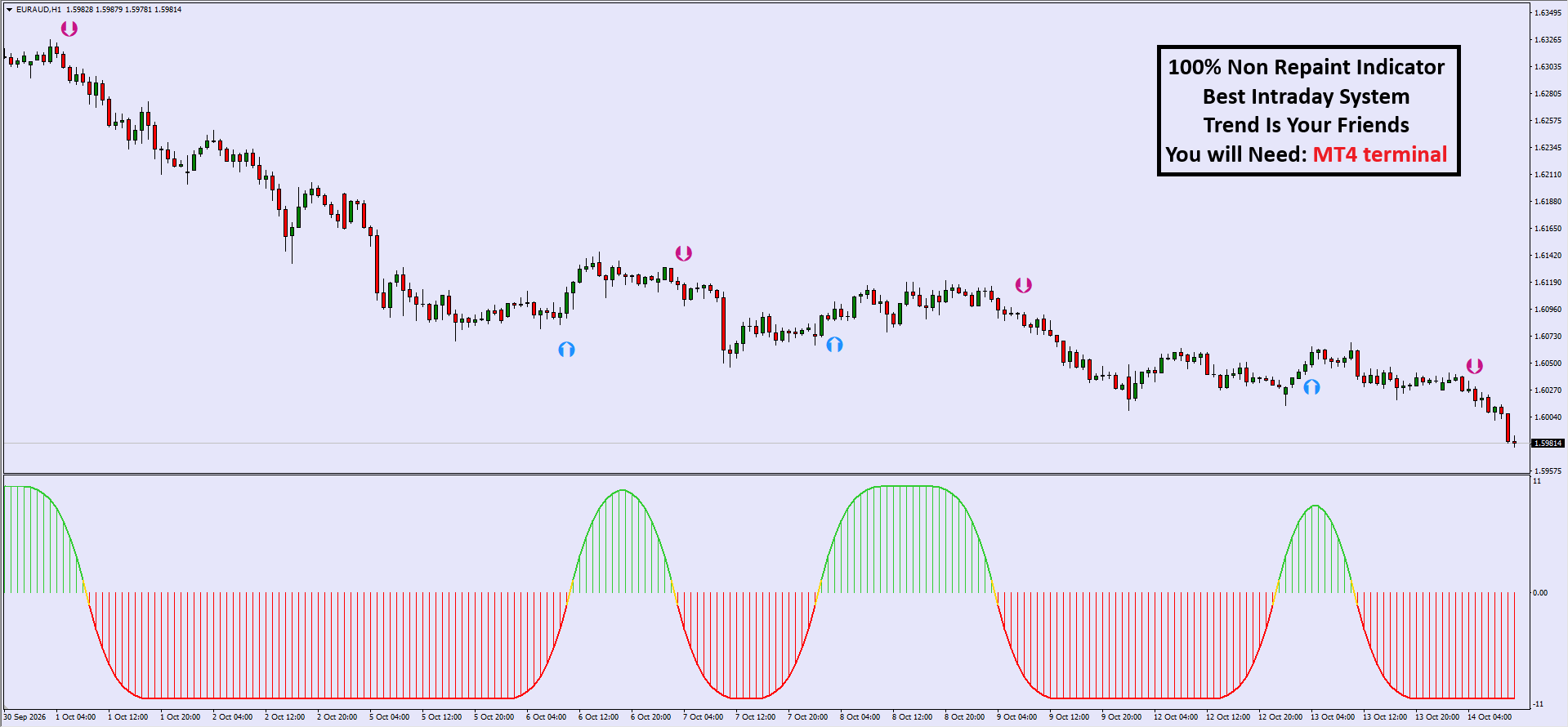
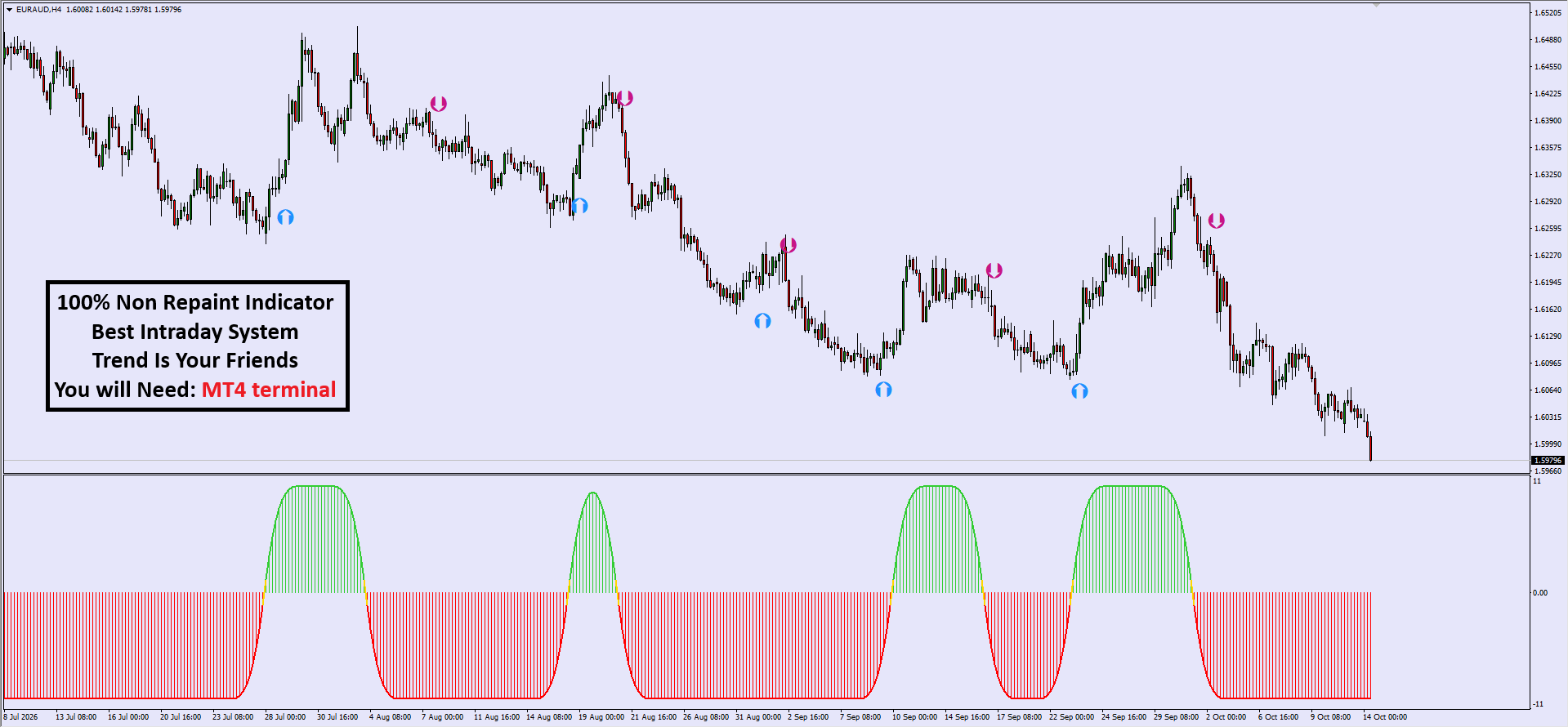
The 100% Non-Repaint Intraday Trend System is a sophisticated technical analysis suite designed specifically for the MetaTrader 4 (MT4) platform. Its primary function is to identify high-probability trend reversals and momentum shifts in the intraday markets. The system utilizes a dual-confirmation approach, combining a price-action arrow signal on the main chart with a smoothed momentum oscillator in the sub-window. Unlike many standard indicators, this system is engineered to be “non-repainting,” meaning once a signal candle closes, the indicator remains fixed, providing a reliable historical record for backtesting and execution.
2. How to Use: Entry and Exit Signals
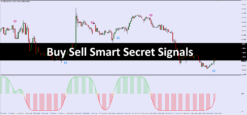
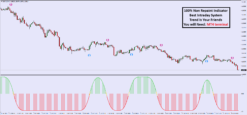
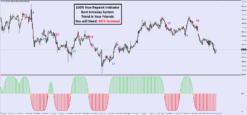
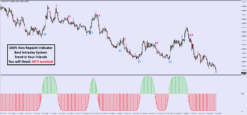
To achieve the best results, traders should look for confluence between the main chart arrows and the bottom histogram.Buy (Long) Entry Signals:
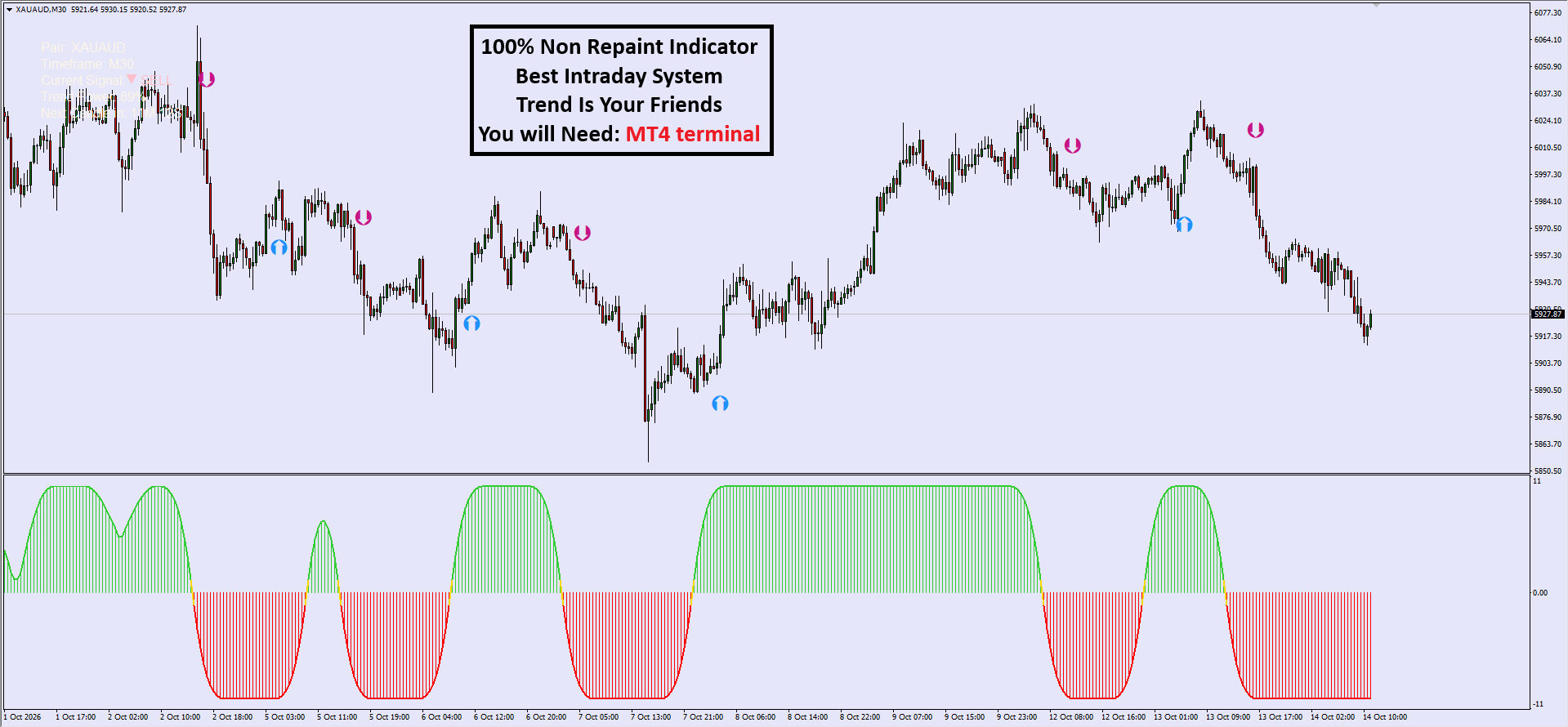
- Primary Signal: A Blue Up-Arrow appears below a completed candle on the main chart.
- Confirmation: The bottom oscillator histogram must be Green and rising above the zero line.
- Execution: Enter at the open of the next candle following the arrow signal.
Sell (Short) Entry Signals:
- Primary Signal: A Pink/Purple Down-Arrow appears above a completed candle on the main chart.
- Confirmation: The bottom oscillator histogram must be Red and falling below the zero line.
- Execution: Enter at the open of the next candle following the arrow signal.
Exit Strategy:
- Take Profit: Exit when an opposite signal appears or when the bottom oscillator changes color (e.g., green to red for a buy trade).
- Stop Loss: Place your stop loss 5-10 pips below the most recent swing low (for buys) or above the most recent swing high (for sells).
3. Step-by-Step Setup Instructions
- Platform Requirement: Ensure you are using the MetaTrader 4 (MT4) Desktop terminal.
- File Installation: Place the
.ex4or.mq4files into your MT4MQL4 > Indicatorsfolder. - Chart Setup: Open the chart of your choice (e.g., XAU/AUD as shown in the image).
- Apply Indicator: Refresh your Navigator window, then drag and drop the indicator onto the chart.
- Timeframe Selection: While versatile, the system is optimized for M15, M30, and H1 timeframes for intraday trading.
- Dashboard Check: Verify the top-left dashboard is active, displaying the “Current Signal” and “Trend Power” to ensure the indicator is processing data correctly.
4. The Logic Behind the Signals
The system operates on three core technical pillars:- Volatility-Adjusted Price Action: The arrows are generated based on price breaking through dynamic volatility bands. This ensures that signals aren’t just triggered by small fluctuations but by genuine shifts in market structure.
- Momentum Filtering: The bottom histogram serves as a “Gatekeeper.” It filters out “fake-outs” by requiring that momentum supports the price direction. If an arrow appears but the histogram is neutral (yellow or small bars), the trend is considered weak.
- Trend Power Algorithm: The dashboard calculates “Trend Power” (shown as a percentage). This is likely a mathematical average of multiple timeframes, ensuring you are trading in the direction of the “Big Money” flow.
5. Pro-Tips for Better Accuracy
- Trade the “Golden Cross” Confluence: Only take signals where the arrow and the histogram color change happen simultaneously or within 1-2 candles of each other. Lagging entries increase risk.
- Avoid Flat Markets: The system is a “Trend Friend.” During Asian sessions or low-liquidity holidays where the histogram is small and flat, avoid taking signals as the market is likely ranging.
- The M30/H4 Rule: Always check the H4 (4-hour) timeframe trend. If the H4 trend is bullish, only take Buy signals on the M30 chart. Trading in alignment with the higher timeframe significantly increases your win rate.
Be the first to review “Buy Sell Smart Secret Signals”
Related products
-71%


MT4 Indicator
Original price was: $849.00.$248.00Current price is: $248.00.
-71%


Original price was: $871.00.$249.00Current price is: $249.00.
-67%

Original price was: $729.00.$244.00Current price is: $244.00.
-70%


Original price was: $999.00.$299.00Current price is: $299.00.
-70%

Original price was: $919.00.$273.00Current price is: $273.00.
-64%

Original price was: $799.00.$289.00Current price is: $289.00.
-70%


Original price was: $999.00.$299.00Current price is: $299.00.
-71%


MT4 Indicator
Smart Market Structure Concepts V10 Forex Indicator MT4 |100% Non Repaint Indicator V10.0
Original price was: $839.00.$244.00Current price is: $244.00.
Reviews
There are no reviews yet.