
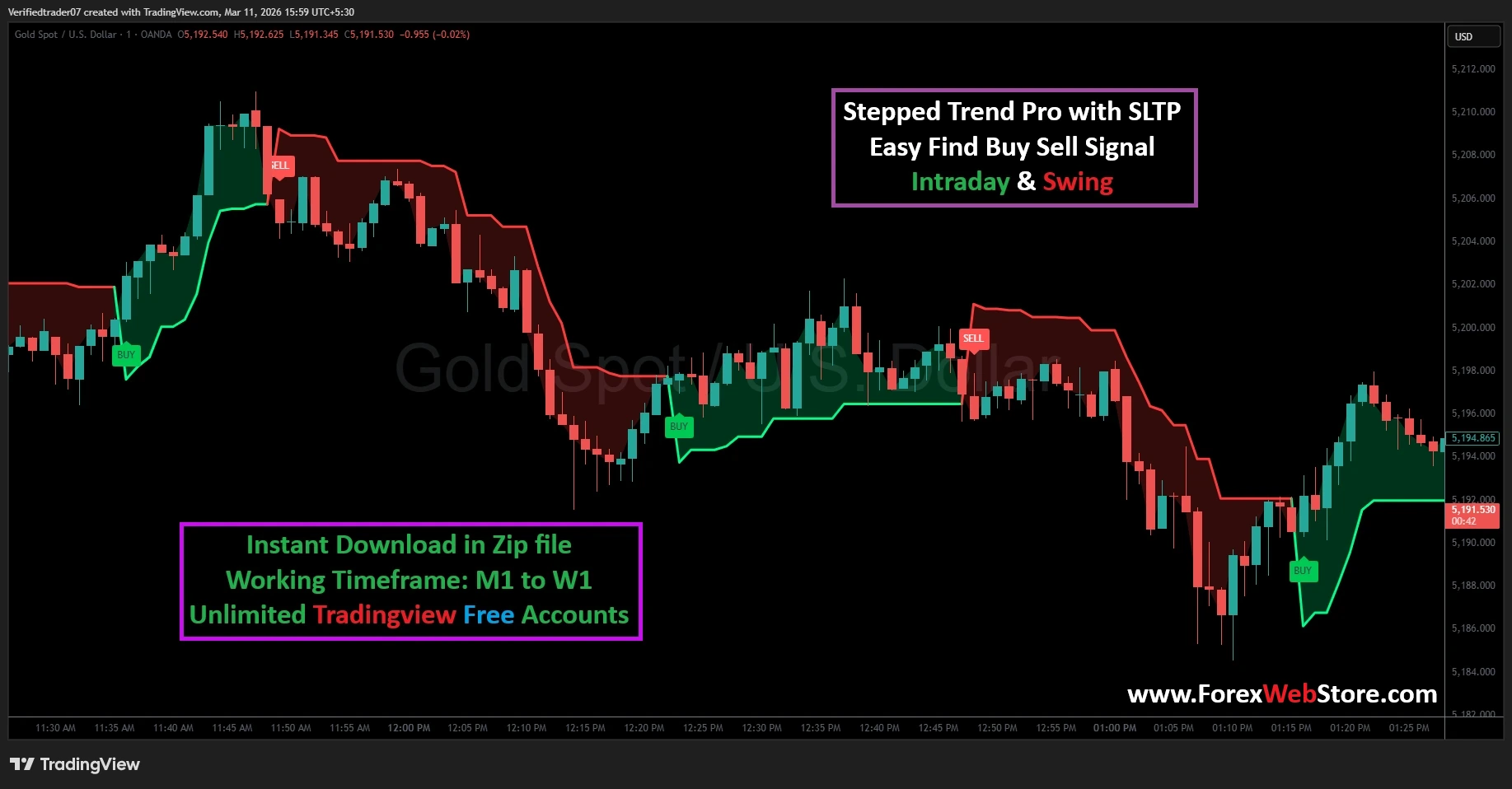
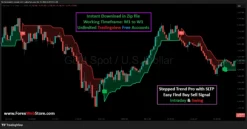
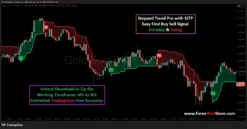
Stepped Trend Pro with SLTP
Original price was: $1,500.00.$199.00Current price is: $199.00.
- Original Indicator
- Trading time: Every time
- Instant Download in Zip file
- Working Timeframe: M1 to W1
- Use on Unlimited Tradingview Accounts
- Type of strategy: Scalping and Intraday
- Source Code:- Pine script
- Works on All pairs Forex, Crypto, Stock Marke etc.
- Customer Support & Free Upgrades
- Lifetime Version
Stepped Trend Pro with SLTP
The Stepped Trend Pro with SLTP is a high-precision technical analysis tool designed to eliminate market noise and provide traders with crystal-clear entry and exit points. Unlike traditional moving averages that lag behind price action, this indicator uses a “stepped” algorithm that tracks volatility and price momentum in real-time. Whether you are an Intraday Scalper or a long-term Swing Trader, this tool is engineered to help you stay on the right side of the trend.
Key Features of the Stepped Trend Pro
-
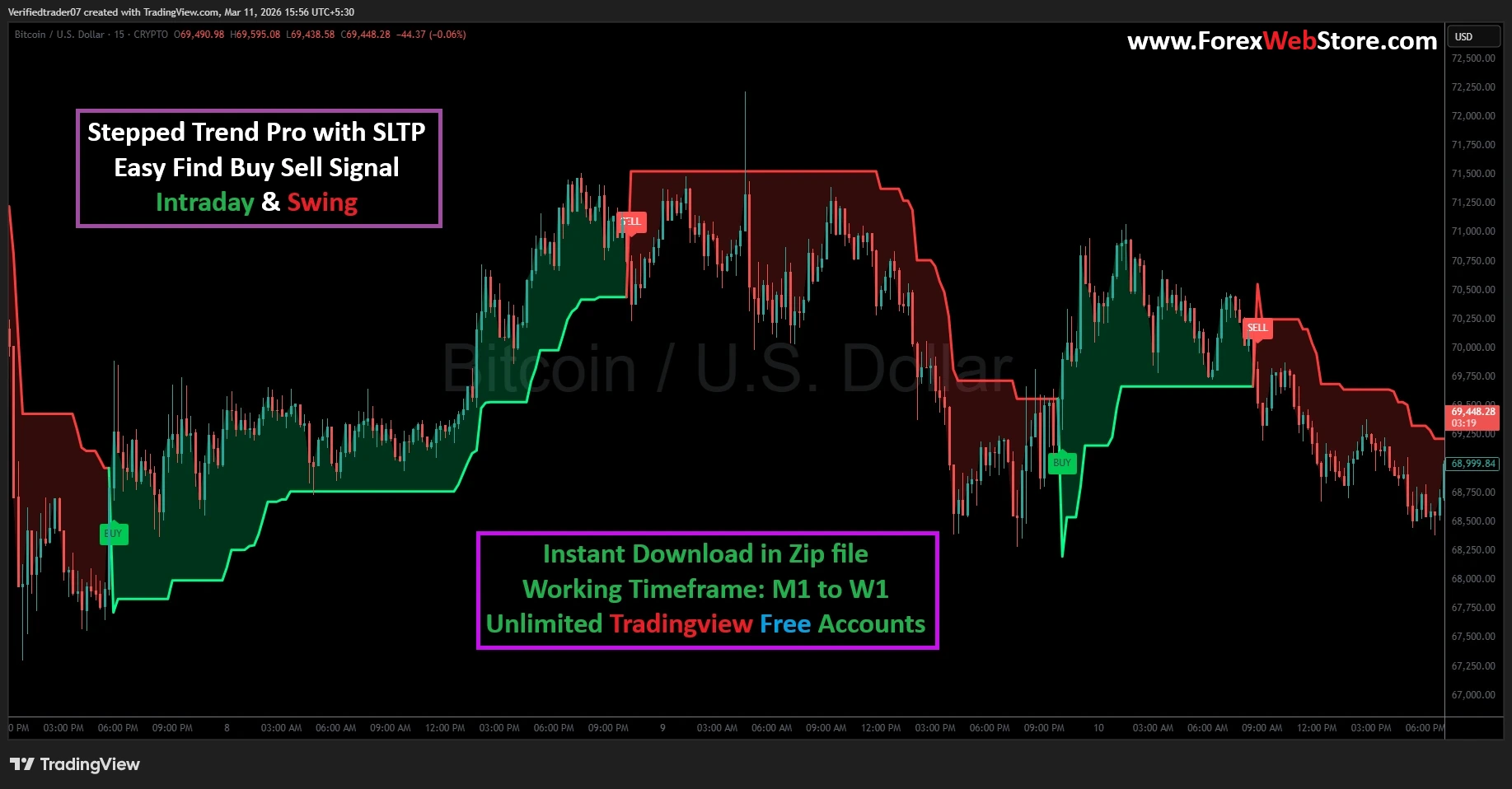
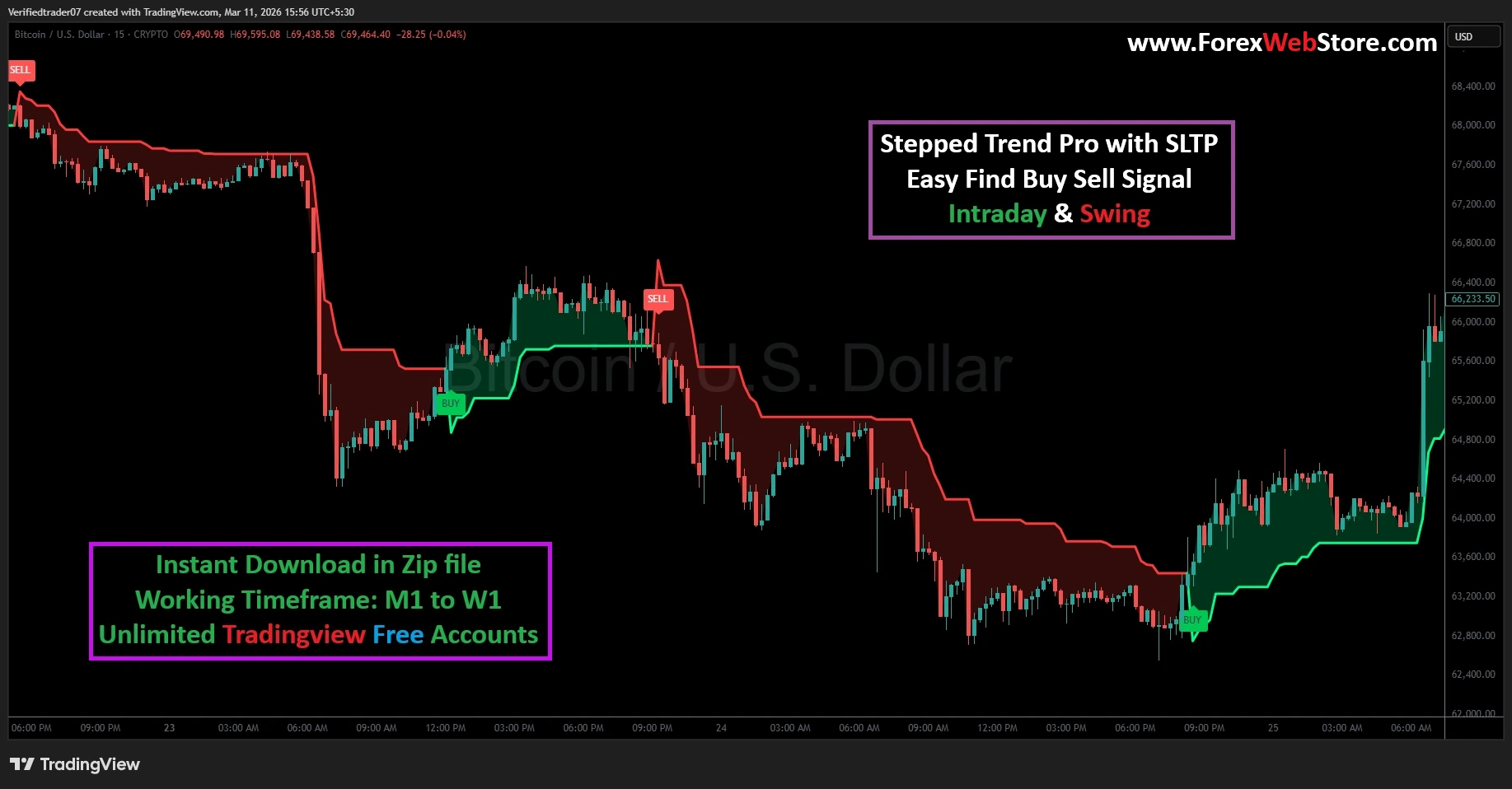
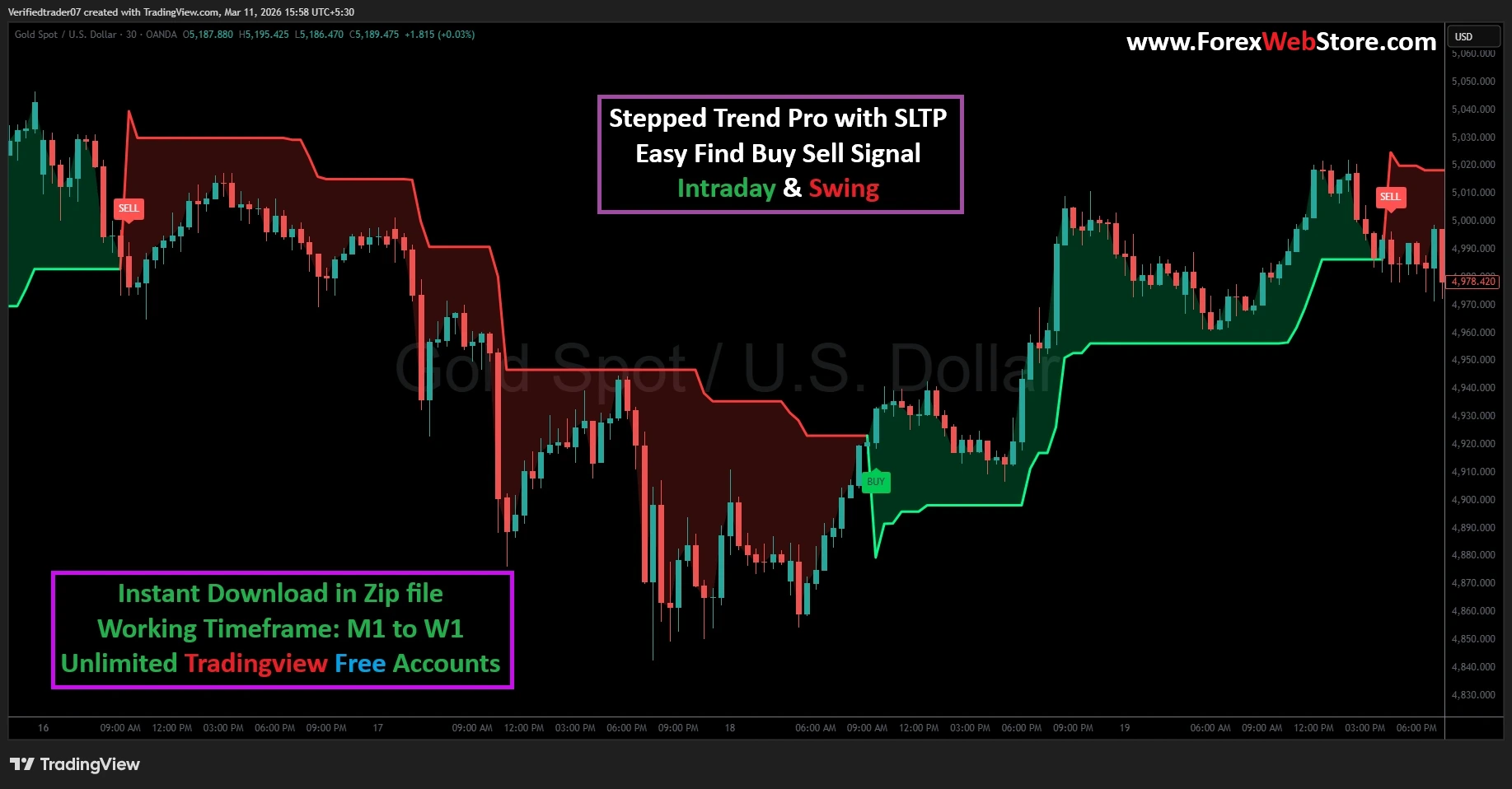
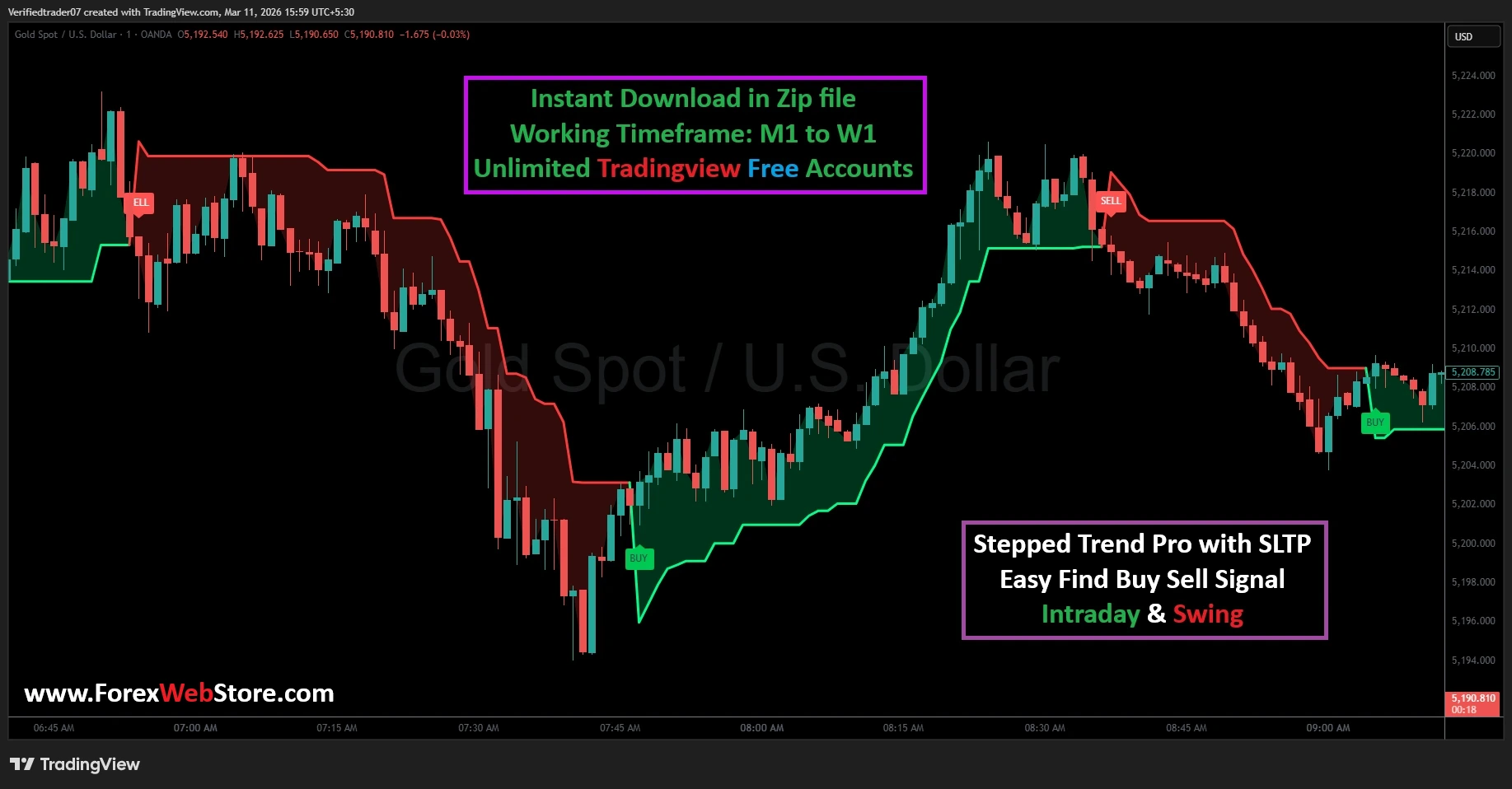
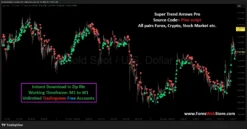
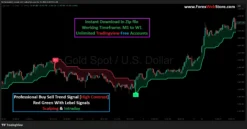
Visual Trend Detection: Uses color-coded zones (Green for Bullish, Red for Bearish) to instantly identify market sentiment.
-
Non-Repainting Signals: The “BUY” and “SELL” labels appear based on closed-bar logic, ensuring the signals stay fixed on your chart.
-
Multi-Timeframe Compatibility: Optimized for everything from the 1-minute (M1) chart for quick scalps to the Weekly (W1) chart for long-term investments.
-
Built-in SL/TP Logic: Includes Take Profit and Stop Loss zones to assist in disciplined risk management.
Step-by-Step Guide: How to Use the Stepped Trend Pro
To get the most out of this indicator on TradingView, follow these four essential steps:
Step 1: Setting Up the Chart
Once you have imported the script into your TradingView account, apply it to a clean chart. It works exceptionally well on major Forex pairs like XAU/USD (Gold), EUR/USD, and GBP/USD. For Intraday trading, we recommend the 5-minute or 15-minute timeframe. For Swing trading, the 1-hour or 4-hour charts provide the highest accuracy.
Step 2: Identifying the Entry Signal
The indicator simplifies the decision-making process through two primary visual cues:
-
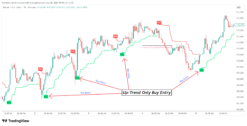
Bullish Entry (BUY): When the price breaks above the stepped resistance and the cloud turns Green, a “BUY” label will appear. This indicates that momentum has shifted upward.
-
Bearish Entry (SELL): When the price drops below the stepped support and the cloud turns Red, a “SELL” label appears. This is your cue that the sellers are in control.
Step 3: Managing the Trade (SL & TP)
Trading without a plan is gambling. The Stepped Trend Pro assists by providing a dynamic boundary:
-
Stop Loss (SL): Place your stop loss just below the green stepped line for Buy orders, or above the red stepped line for Sell orders.
-
Take Profit (TP): Ride the trend as long as the color remains consistent. You can exit when the price touches the opposite side of the “step” or when a counter-signal appears.
Step 4: Confirming with Price Action
For maximum winning probability, look for “Confluence.” For example, if the indicator gives a BUY signal at a major support level or after a bullish candlestick pattern (like a Hammer or Engulfing candle), the trade has a much higher chance of success.
Why Choose This Indicator?
Most retail traders fail because they “over-trade” during sideways (ranging) markets. The Stepped Trend Pro is specifically designed to keep you out of choppy waters. When the steps are flat and narrow, it signals a sideways market. When the steps begin to “staircase” up or down, it signals a powerful trend that you can ride for maximum pips.
Note: This indicator is a digital product. Upon purchase, you will receive an instant download link for the source code/zip file, which can be easily added to your TradingView “Pine Editor.”
Be the first to review “Stepped Trend Pro with SLTP”
Related products
Tradingview


Tradingview
Tradingview
Tradingview
Tradingview

Tradingview
Reviews
There are no reviews yet.